
Your IDE Doesn't Belong in my .gitignore File
Learn how to simplify your git configurations.
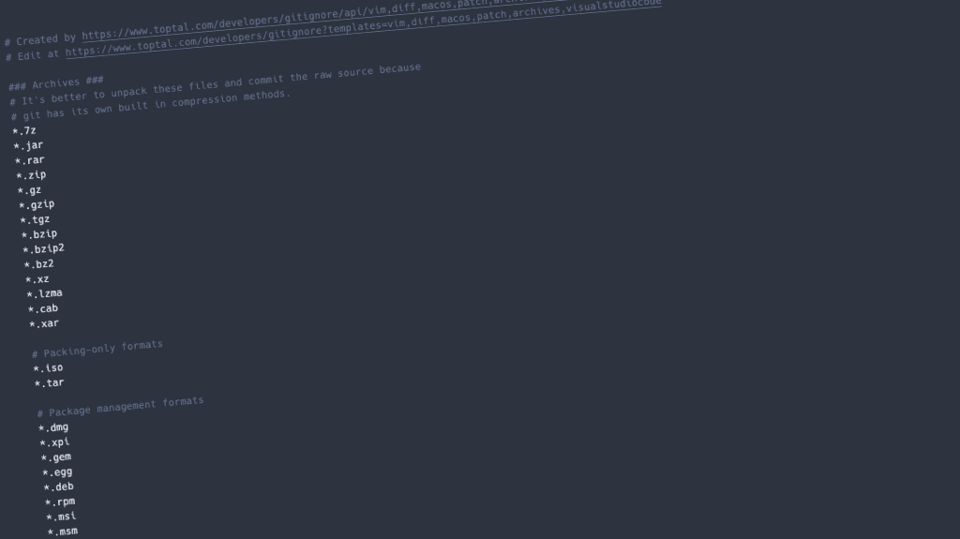 You use a JetBrains IDE? That's your choice. Maybe you prefer Neovim. OK hacker. Maybe you just kept it simple and went with VS Code. Smart move. While I might judge your choice of IDE, I don't really need to know which one you use. The same goes for your operating system. You just do you, but keep it to yourself.
Why does everyone want to include their IDE config in their .gitignore files? Do they not know you can have a global .gitignore file that applies to every repo? I don't know!
Global Git Config
The ~/.gitconfig file contains your global git configuration. Maybe you already have a fancy diff tool or you find typing checkout onerous, so you define co as an alias. You can also define a global ignore file like so:
[core]
    excludesfile = ~/.gitignore_global
So what should you put in the global ignore file? Common files for your IDE, your operating system, other things that you generally want to keep out of your repos. Rather than trying to create your own from scratch, use gitignore.io, Toptal's gitignore file generator. I preselected a good ruleset if you use vim and VS Code on a Mac. Adjust as you need. When you're happy click the create button and save the output to ~/.gitignore_global.
The global ignore file doesn't apply for contributors to your repo. It only stops you from committing the IDE / OS specific files. To make sure everyone is doing it right, share this post in your team's Slack.
Now when you start a new project, don't copy the same old .gitignore file from an old project. Go back to gitignore.io. This time just select the language/s and/or framework you use. Save the output to .gitignore in the root directory of your new project. Do this for each new project. If you have some spare time you can even go update your old projects.
What Goes Where?
You might be wondering, which gitignore file should you add the rule to? There are two questions to help you to decide.
Is it directly related to the contents of the project? Yes, then use the project .gitignore file.
Is it something related to your environment (IDE, OS, personal tooling etc)? Yes, then put it in your ~/.gitignore_global.
Your git repos are there to share your code with others. They don't also need to know the specifics of your local environment. Don't bloat your .gitignore files with information others don't need.


